01 · Race Info
Reads the race
Lap times, sector splits, position updates. The numbers you need without taking your eyes off the road.
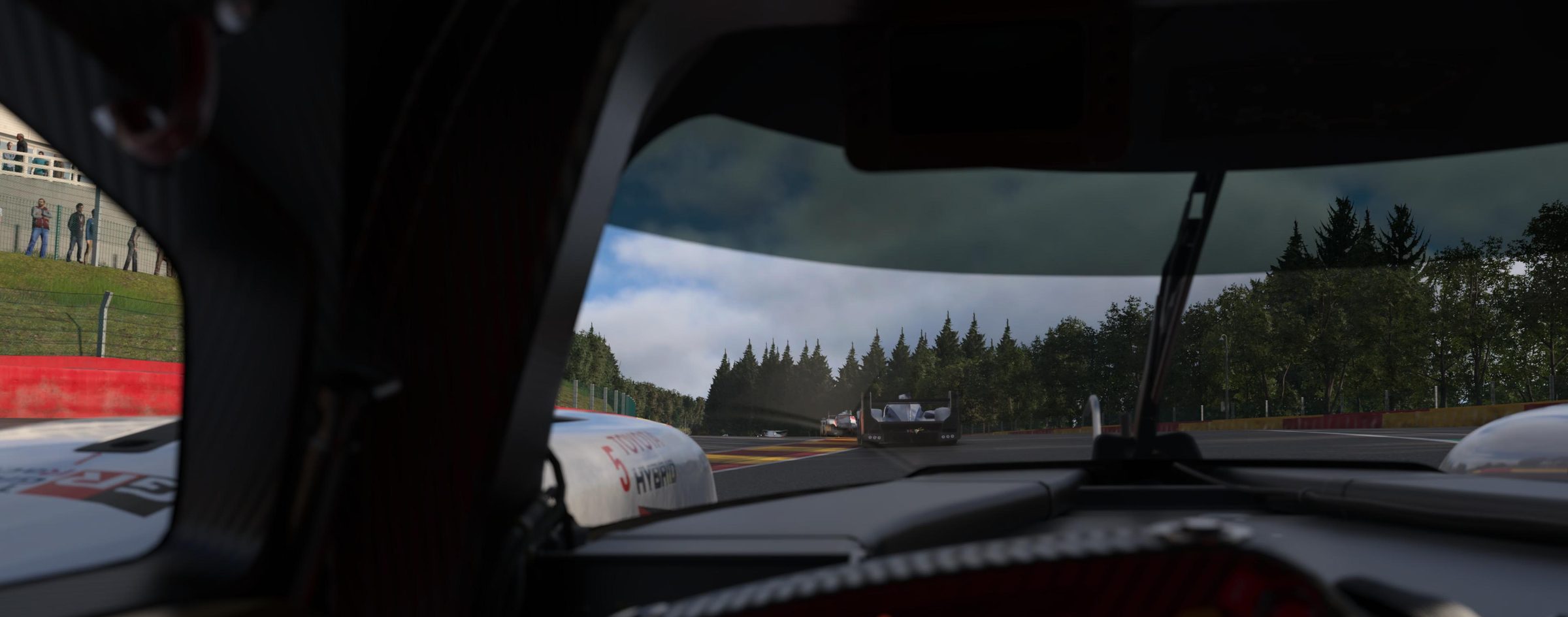
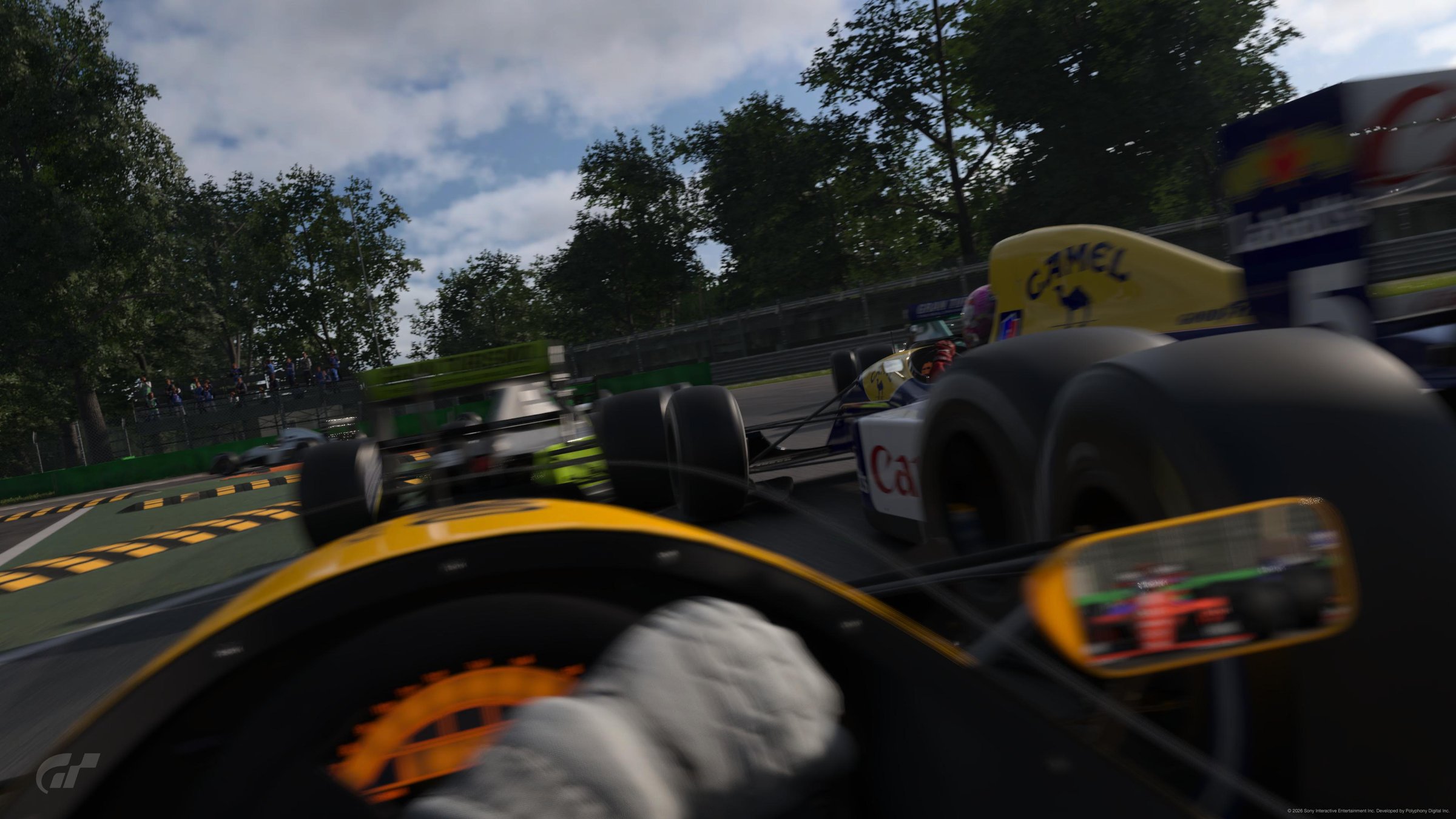
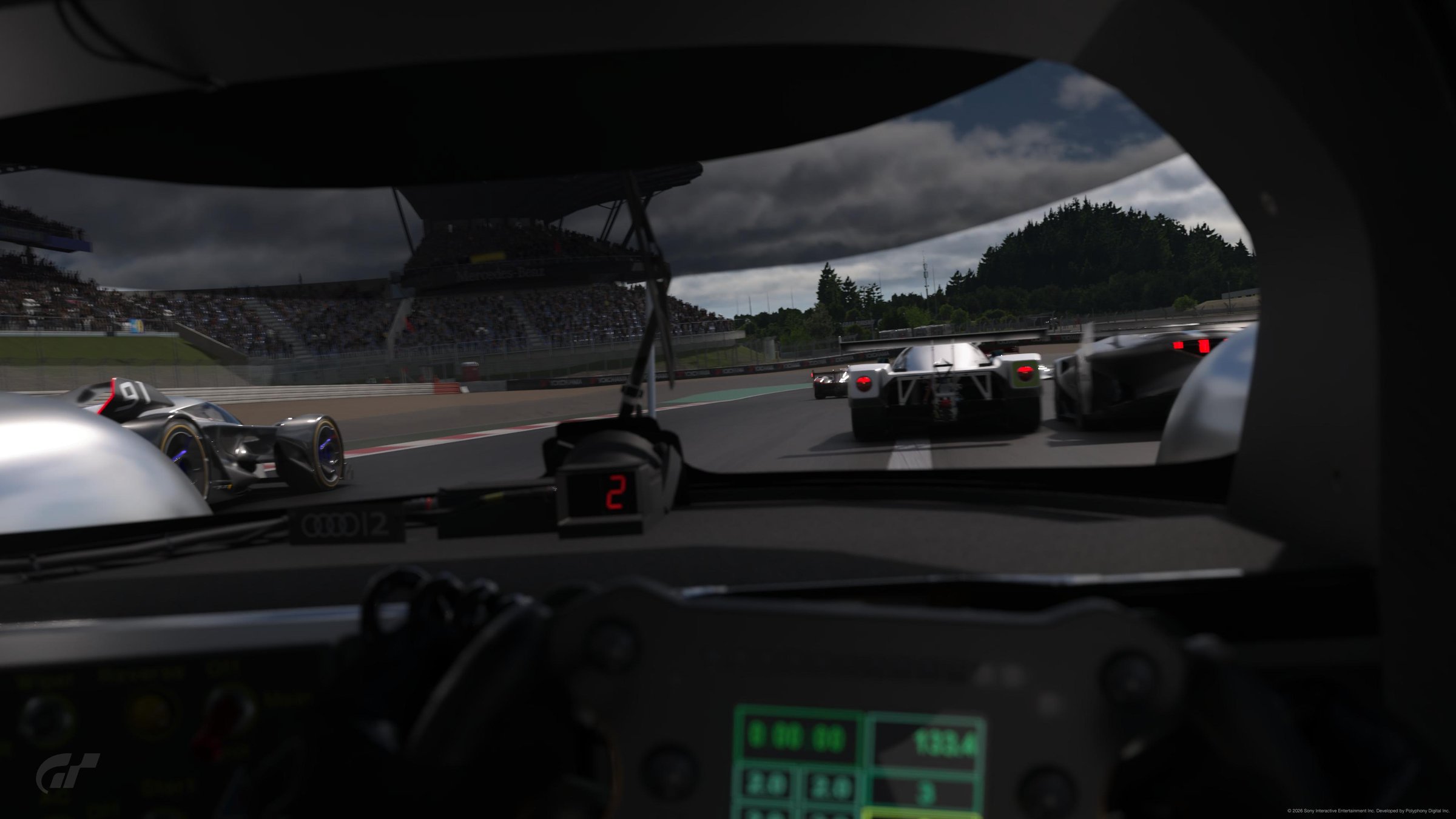
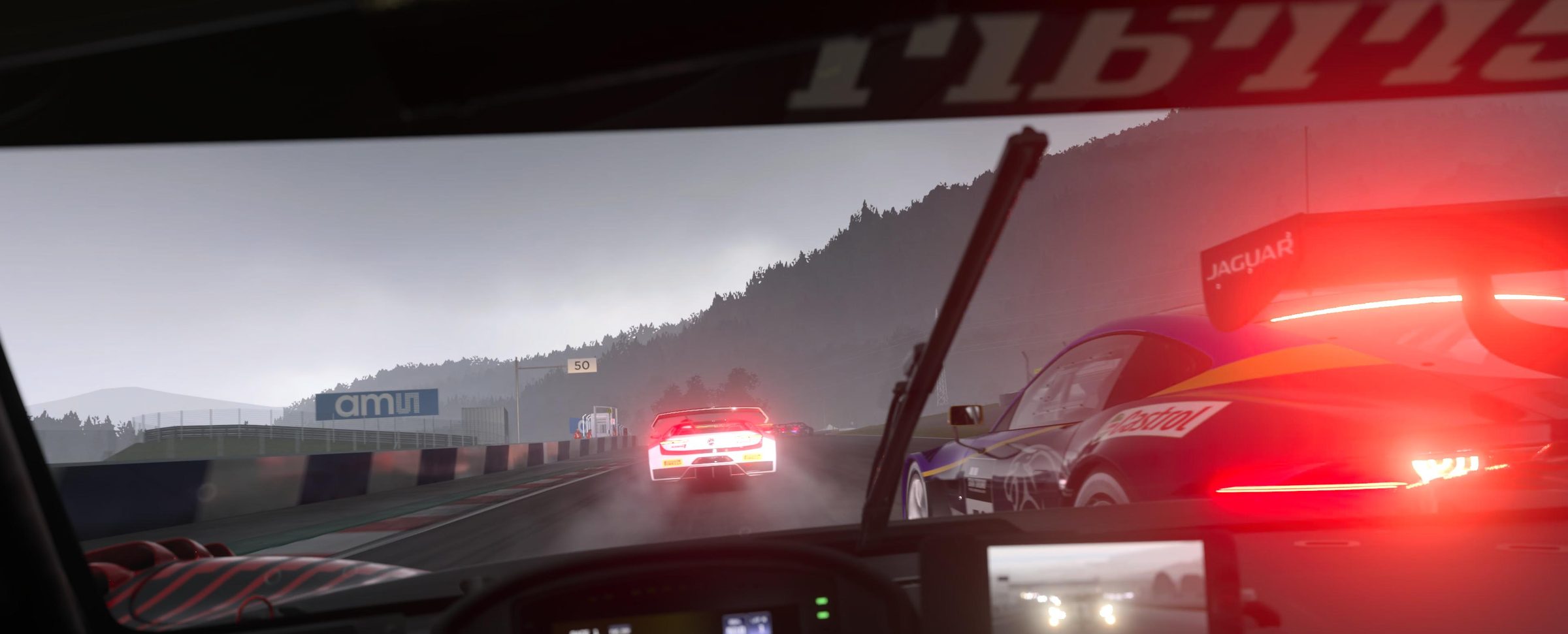
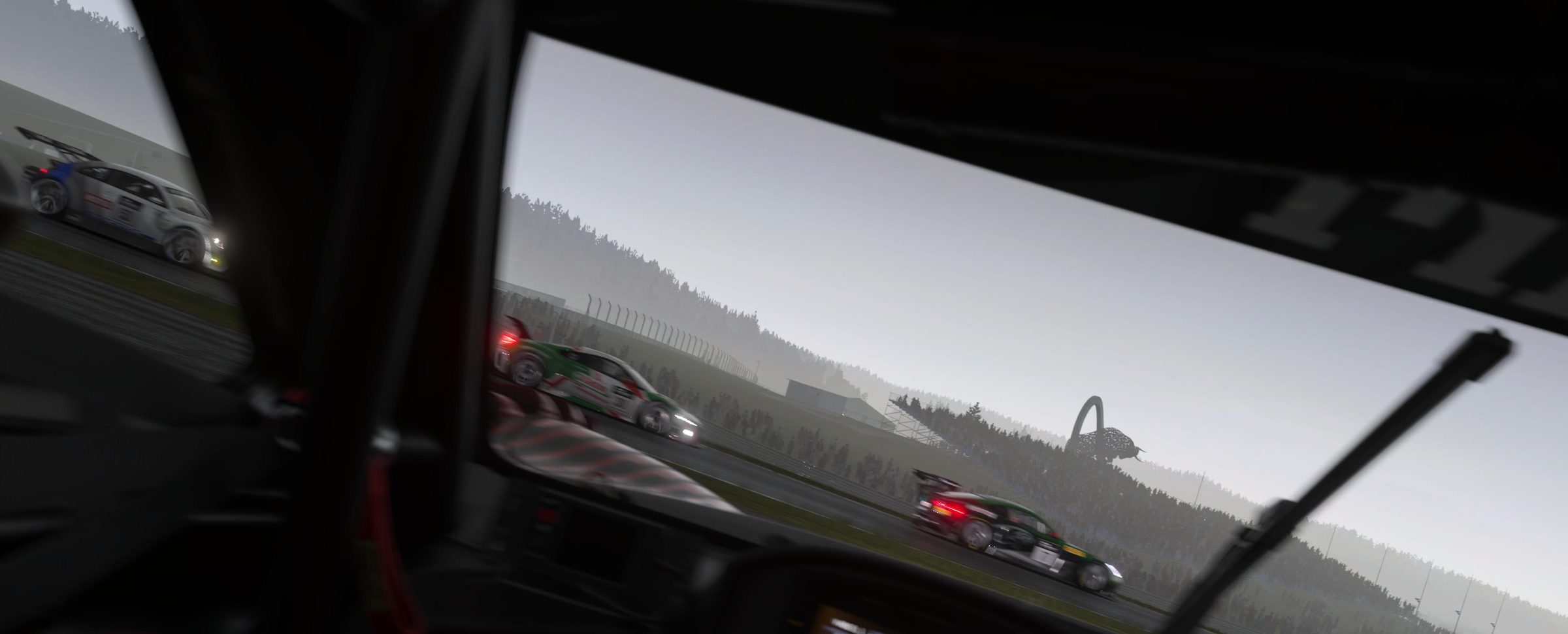
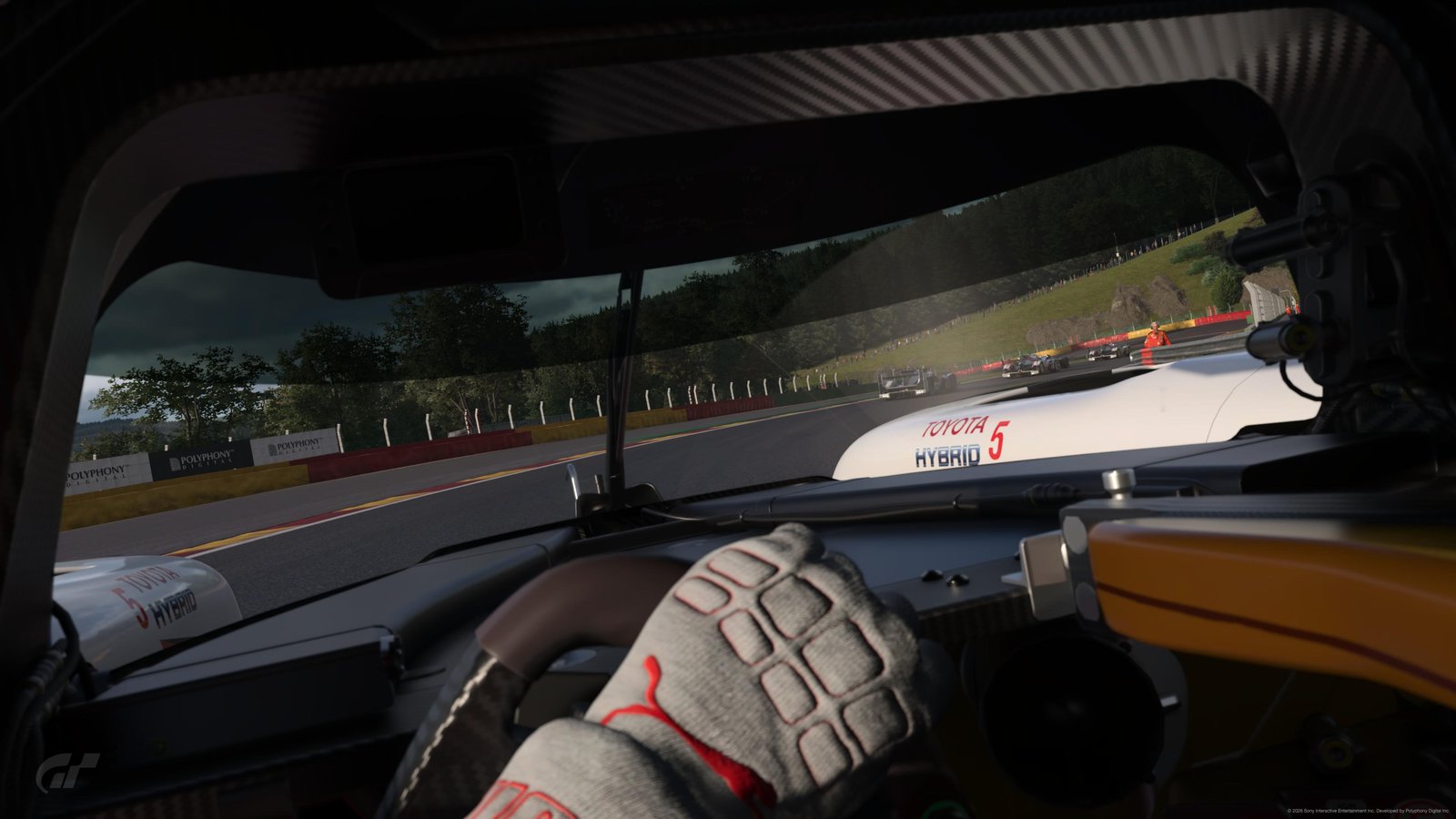
Meet Alan: your AI race engineer for Gran Turismo 7. He calls your laps, your fuel, your incidents, and answers when you ask through the radio. Built specifically for PSVR2, but plays in any mode.
I'm a graphic designer, and I'm obsessed with sim racing on GT7. A while back I moved to PSVR2 and hit a wall: cockpit immersion is incredible, but I couldn't see my lap times, fuel, or position without breaking the whole thing.
So I built Alan. He's the voice in your headset who knows what's going on: lap times, fuel, strategy, position. He reacts when you make contact or run wide. And when you need something (your delta, your last lap, how much fuel you've got left), you just ask him out loud, and he answers.
Alan IS the HUD.
Eight real clips from a recent session. Alan's actual voice, generated offline. Tap any tile to play.
Six things Alan does for you, in real time, while you race. All grounded in 60Hz telemetry. All offline. All in his voice.
Lap times, sector splits, position updates. The numbers you need without taking your eyes off the road.
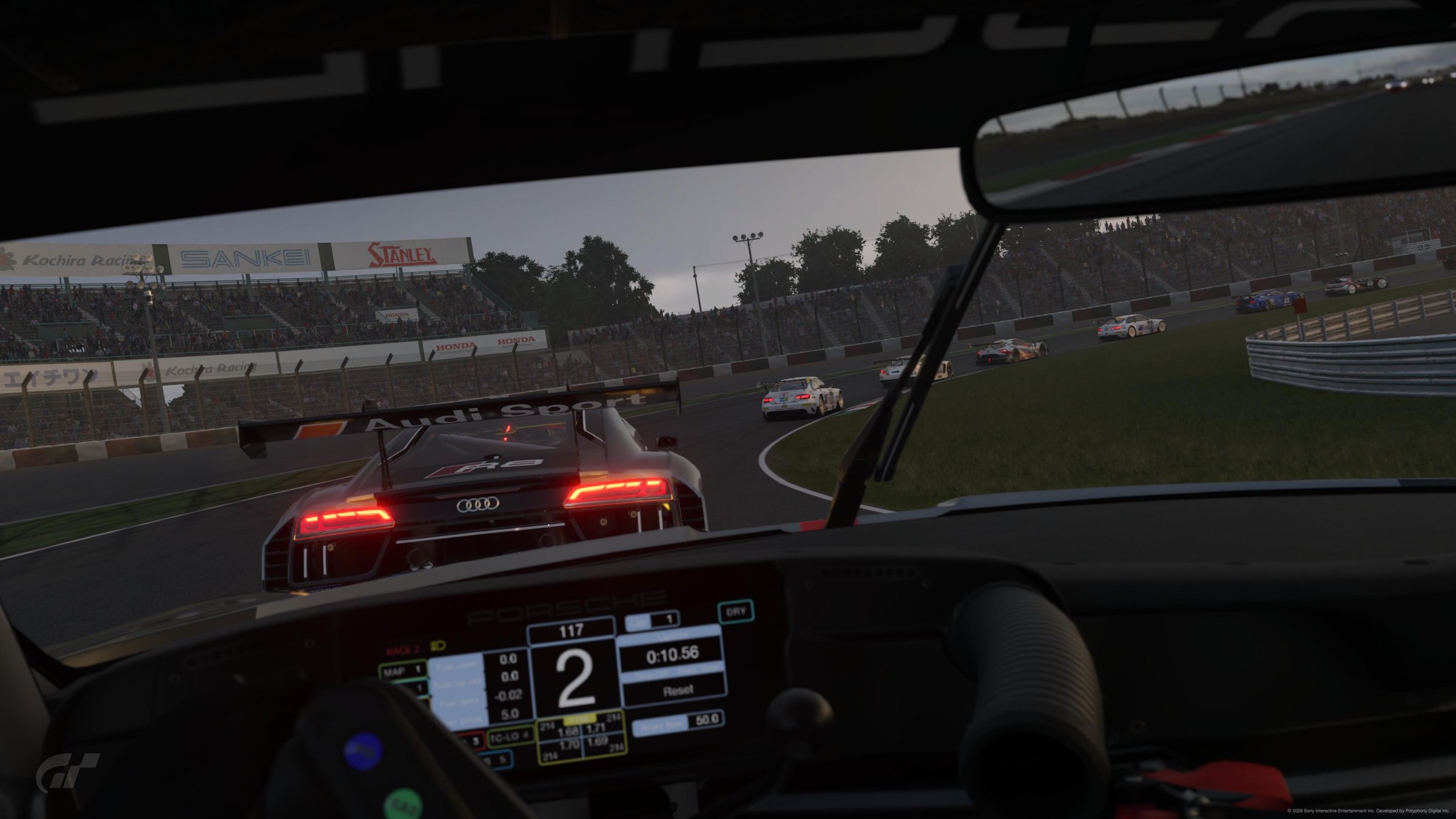
Every sector compared against your own best lap. He tells you when you're up, when you're down, and by how much.
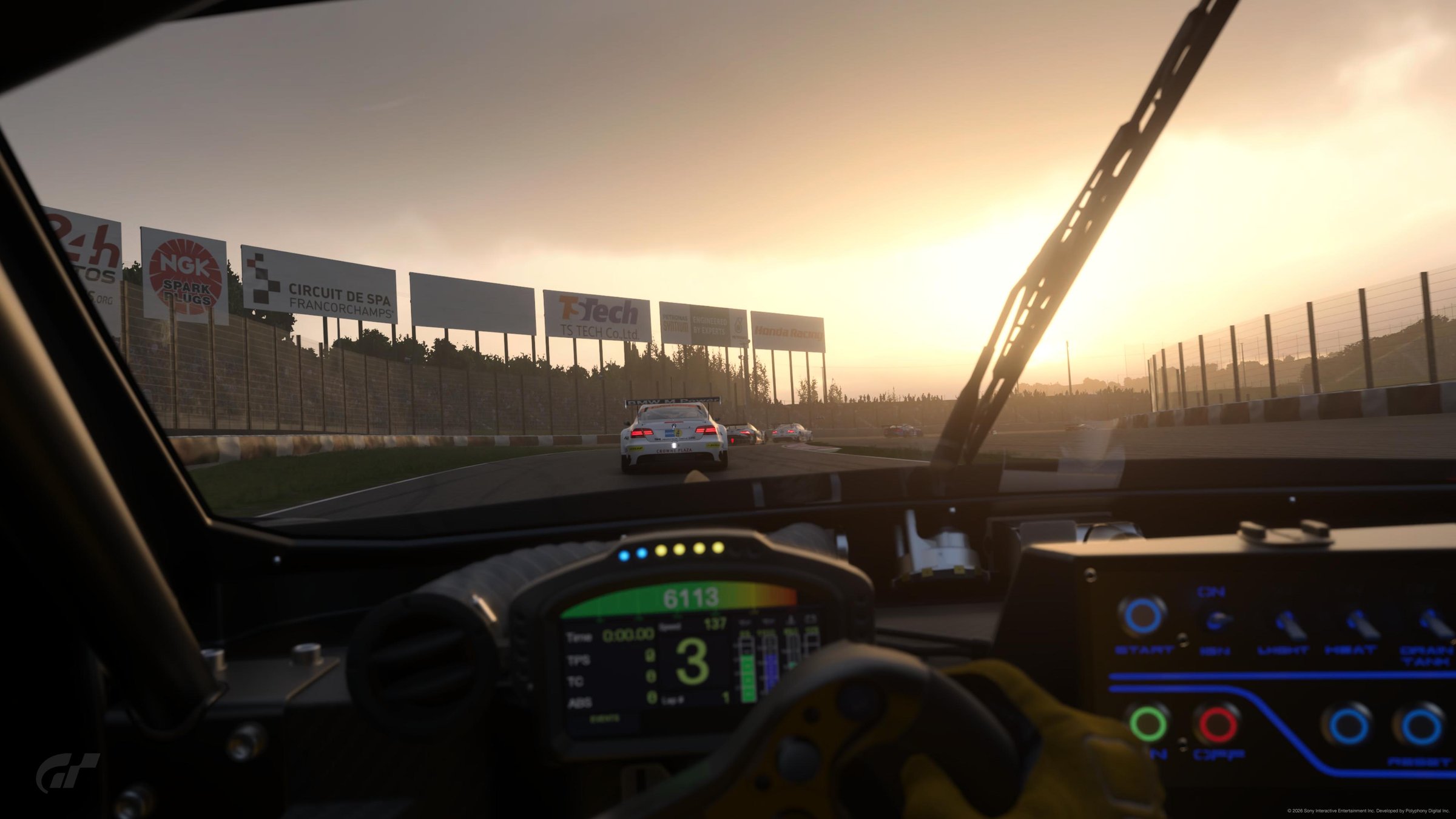
Live burn-rate math, pit windows, lap-count plans. He tells you when to box and what to expect when you do.
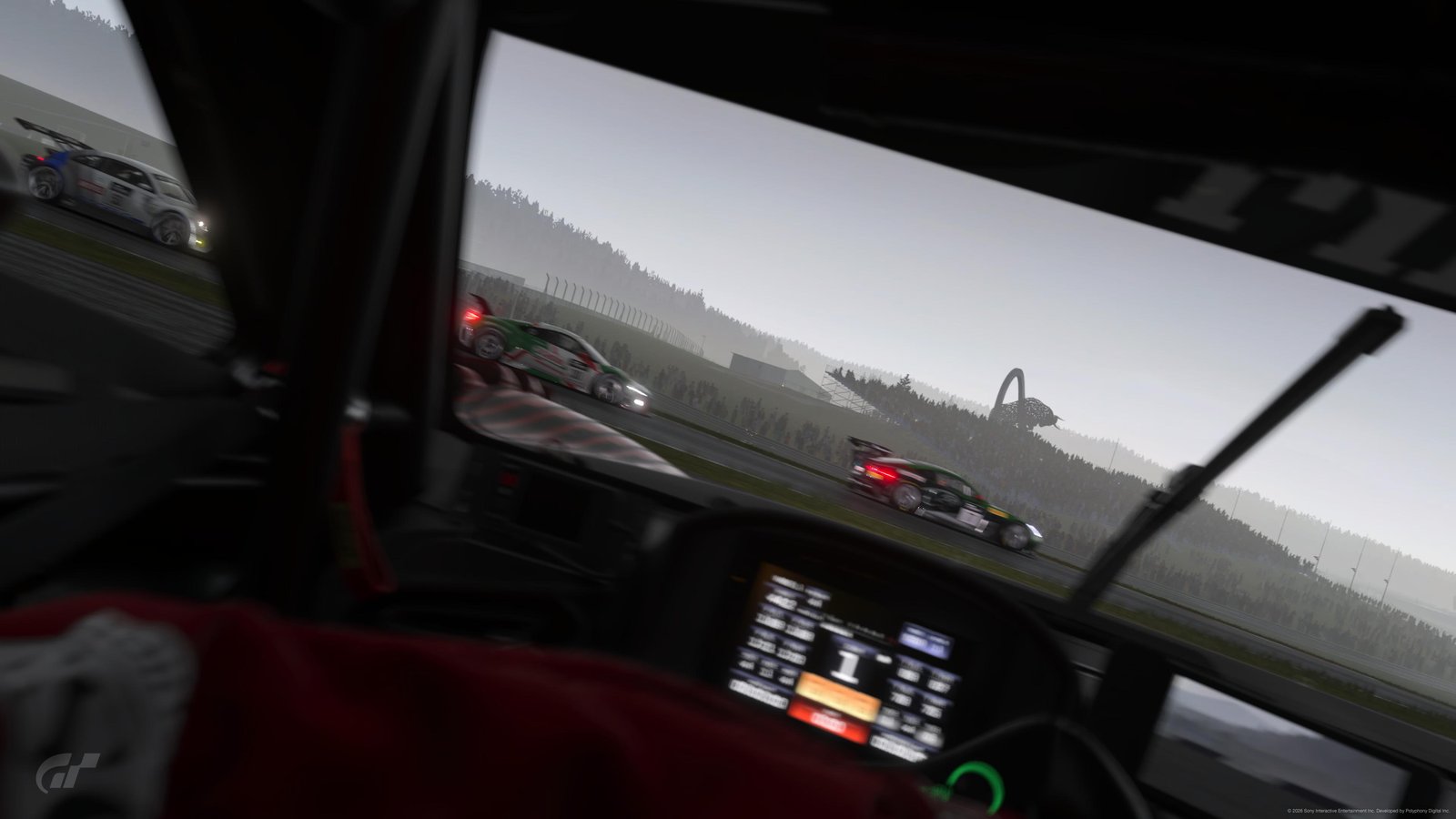
Contacts, spins, lockups, off-tracks, kerb abuse. In the moment, with appropriate urgency. Escalates if it keeps happening.
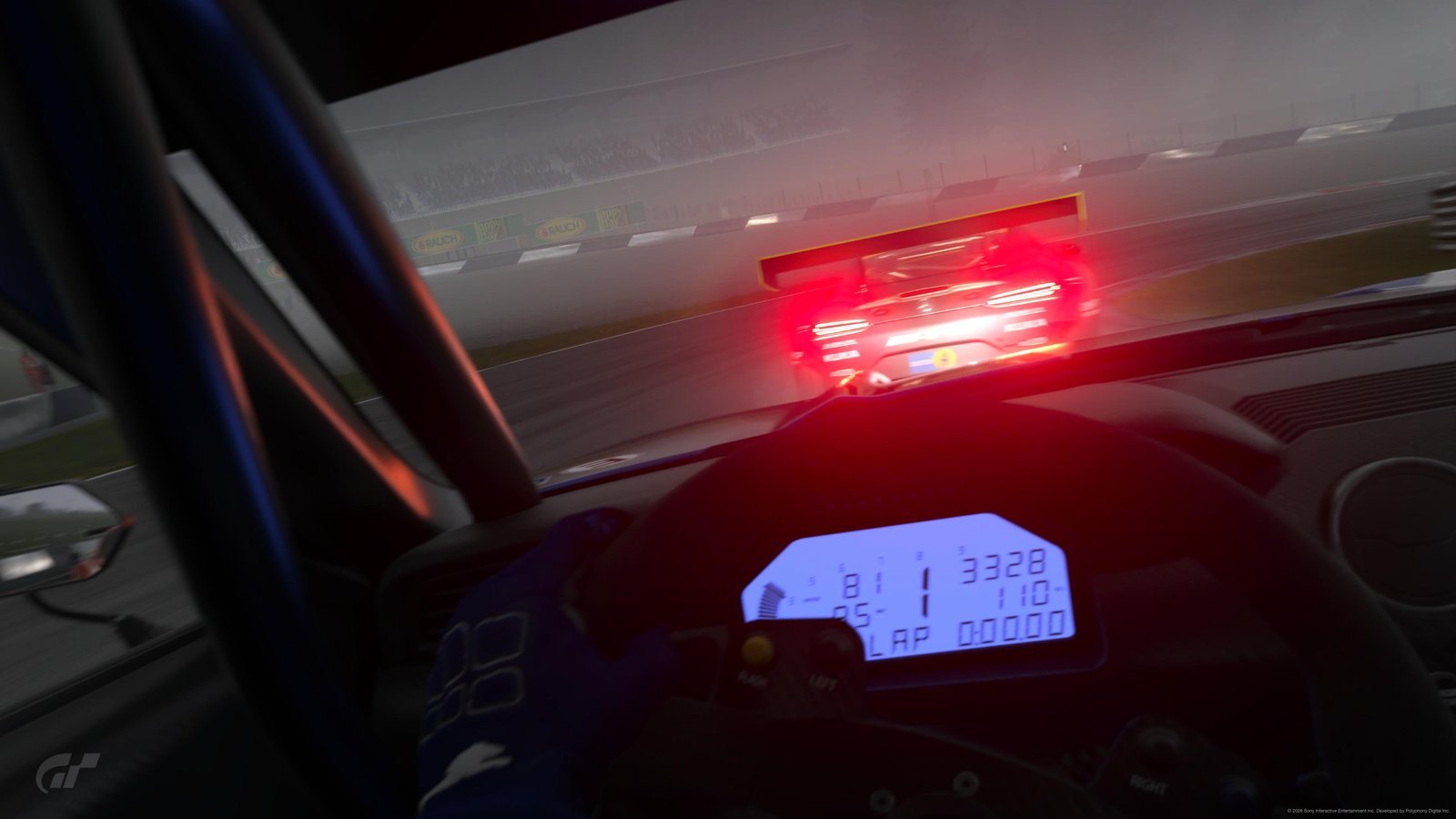
Brake points, throttle application, gear selection. Compared against your own fastest lap, not a stranger's.
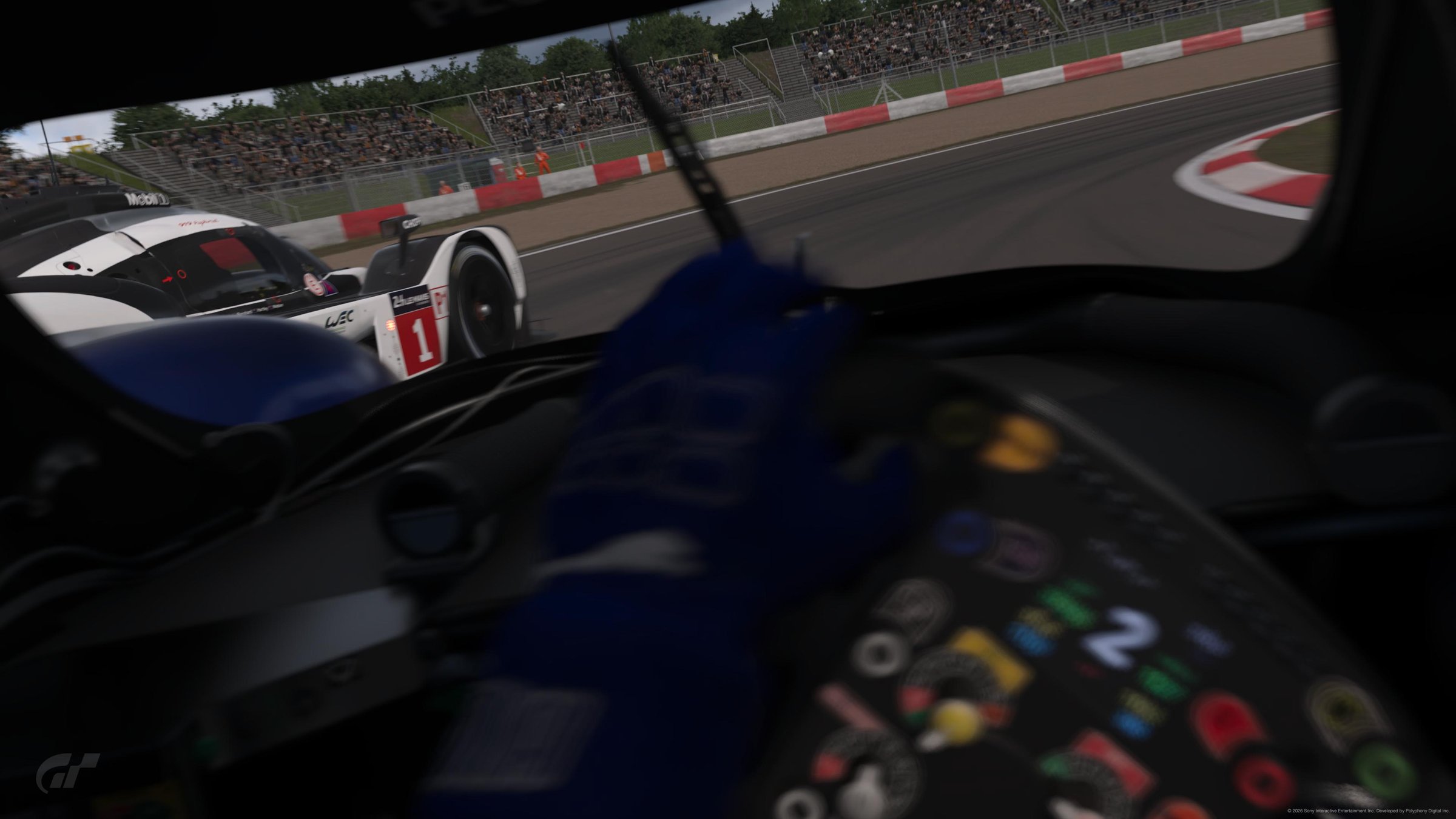
Say "radio check" or ask Alan anything mid-race: fuel, lap time, position. He answers. Two-way radio the way it should be.
Alan also has an F1-style radio sound design (bandpass filter, static, beeps) and a mood that reacts to your race. Two personas to choose from: PRO (full motorsport vocab) or AM (plain English).
Alan does the talking. But there's a clean web HUD and a deep lap-data tool for the moments you want to see the numbers.
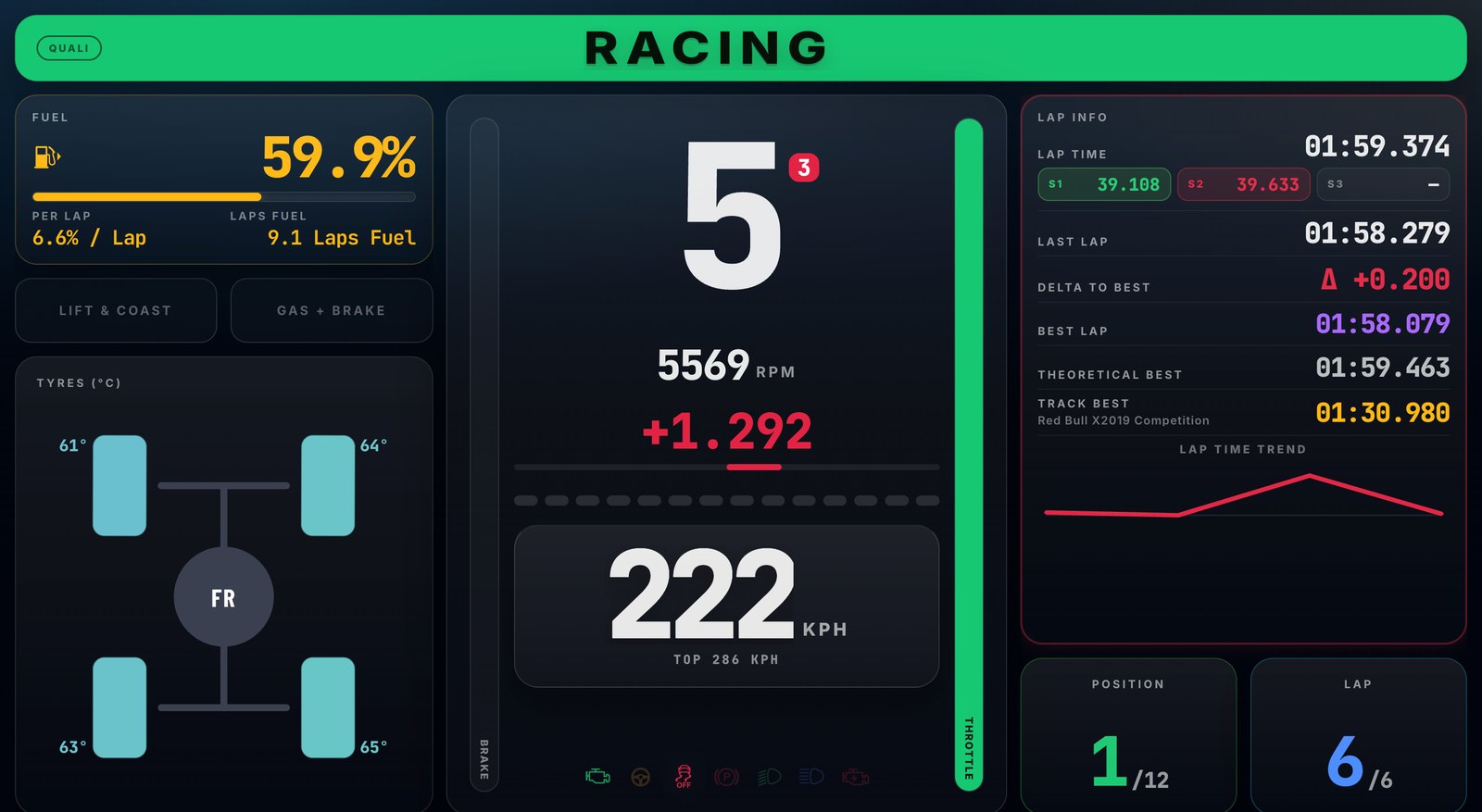
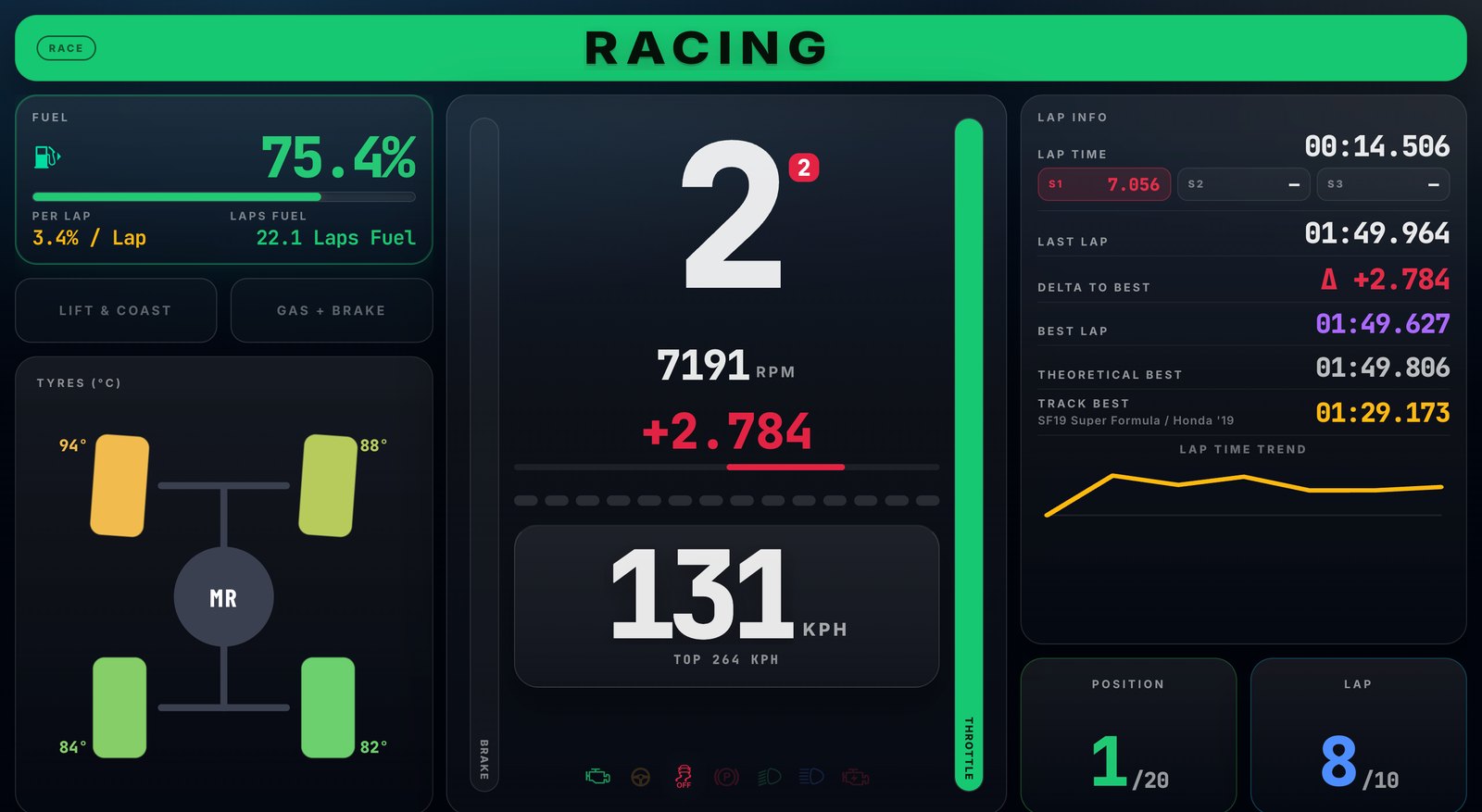
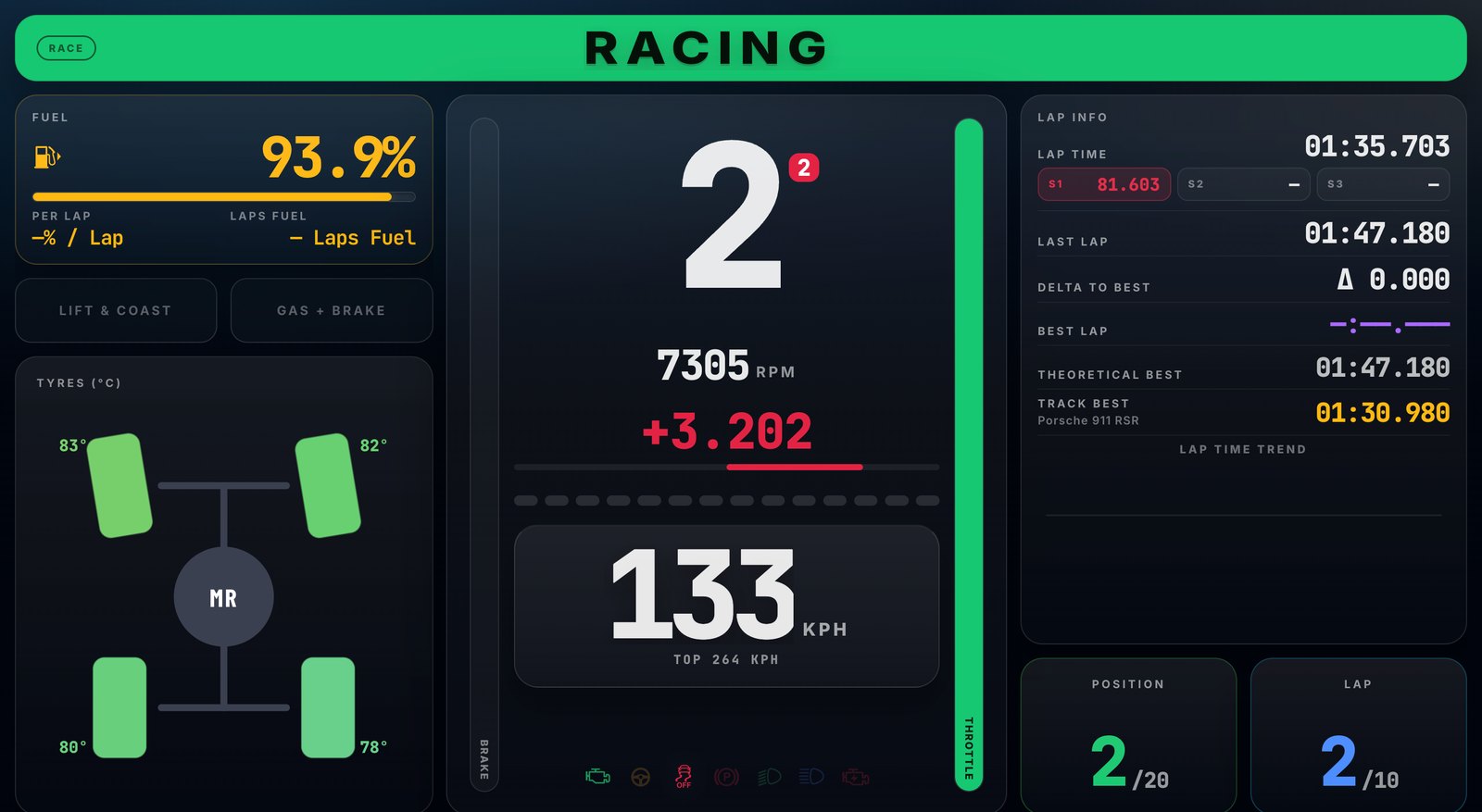
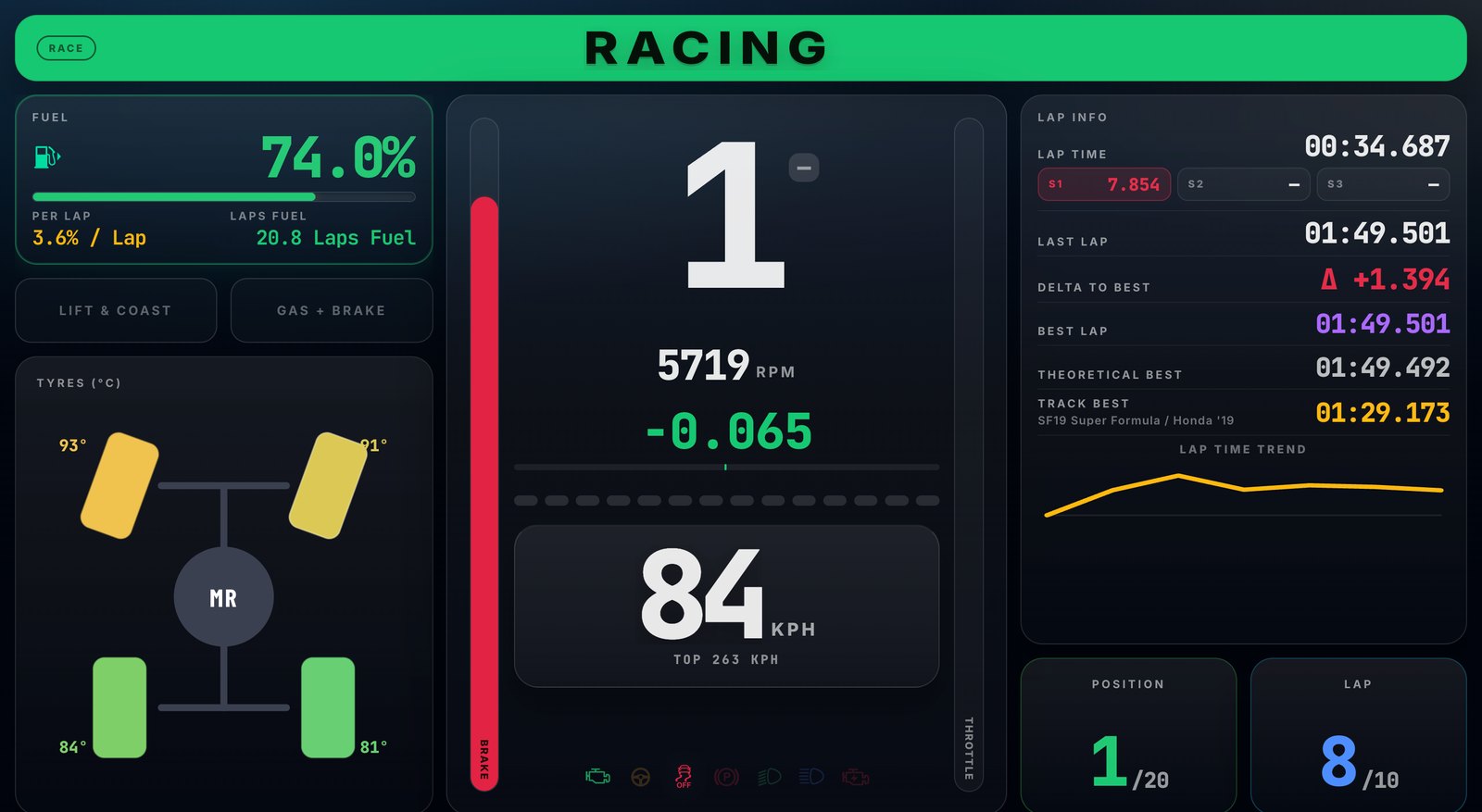
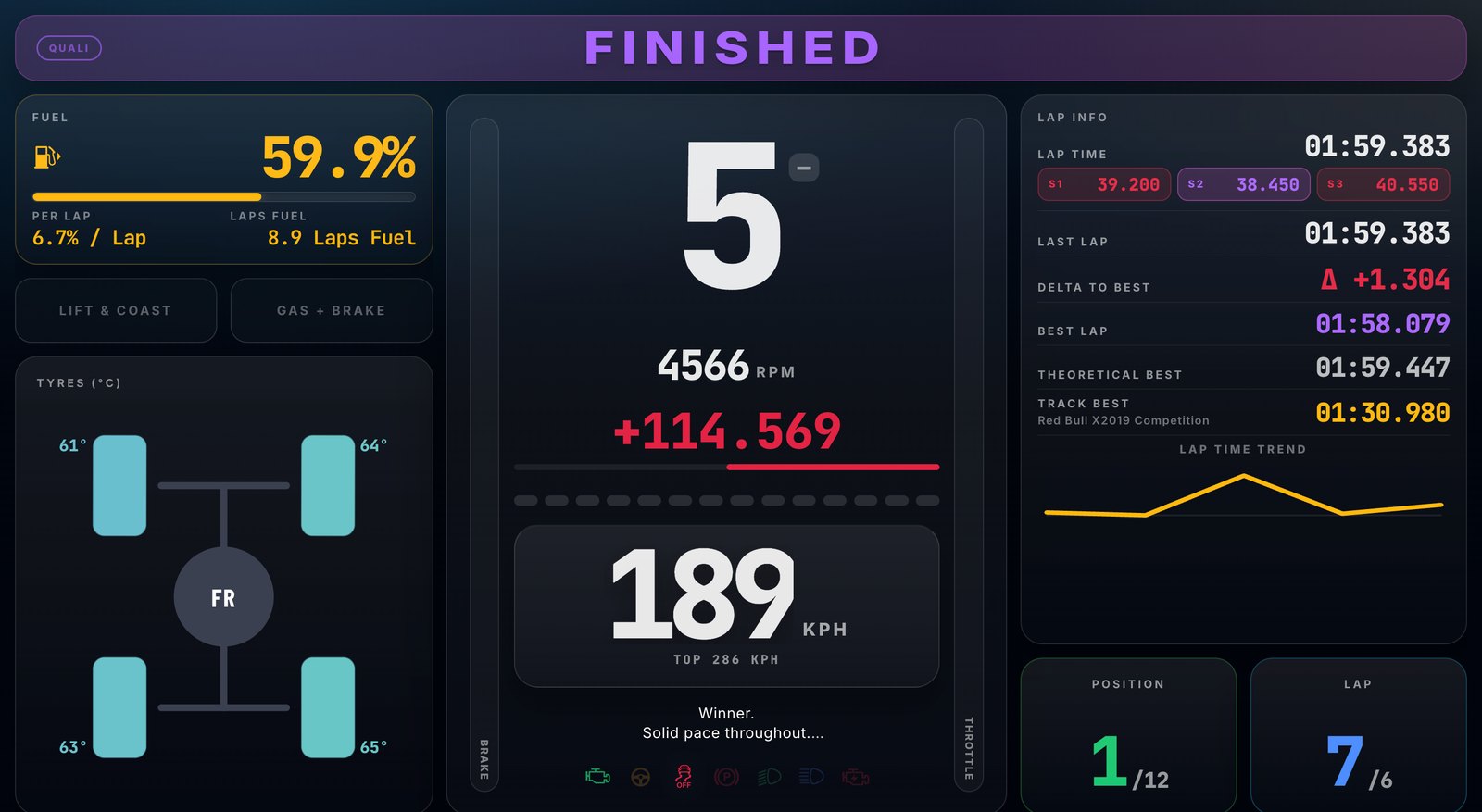
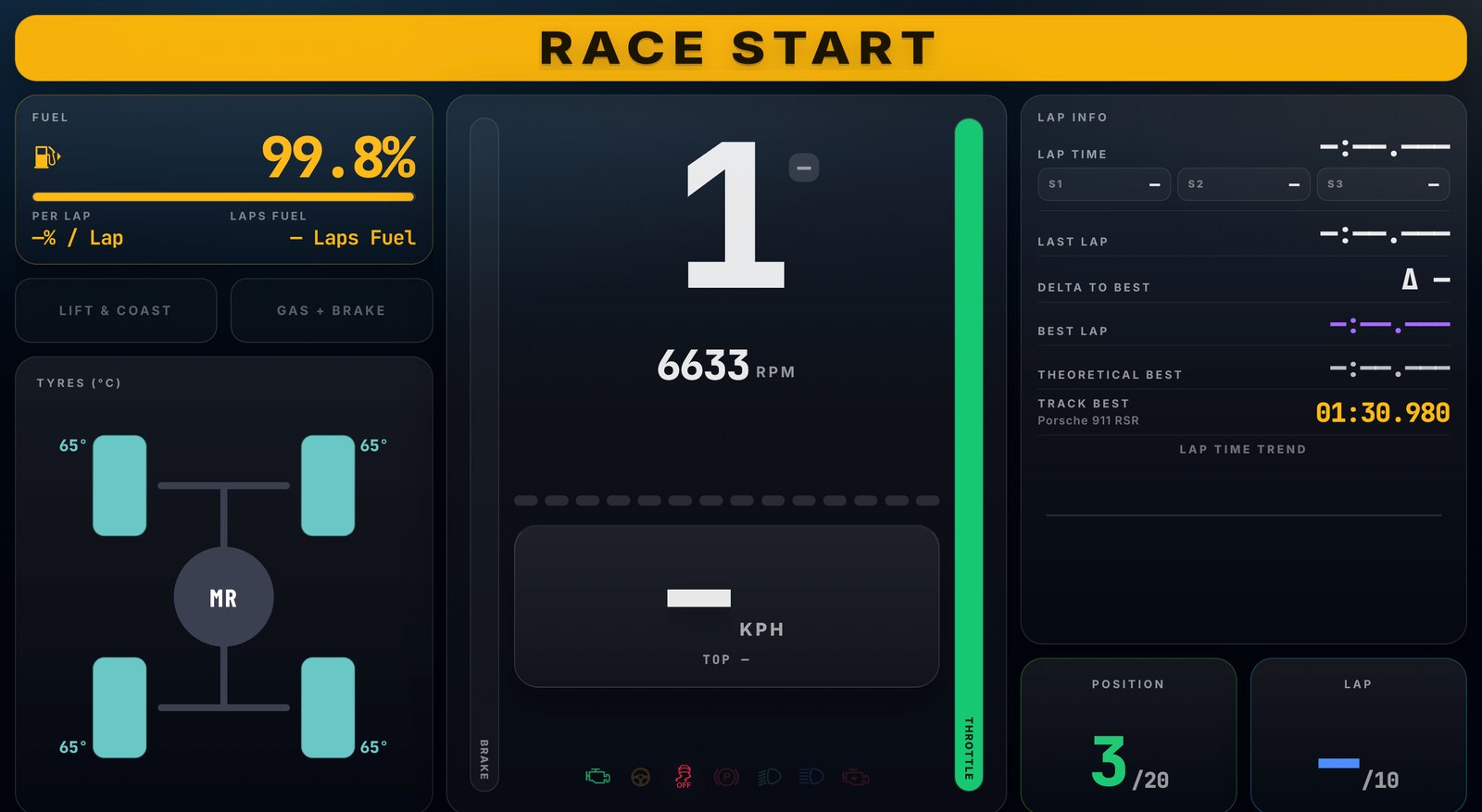
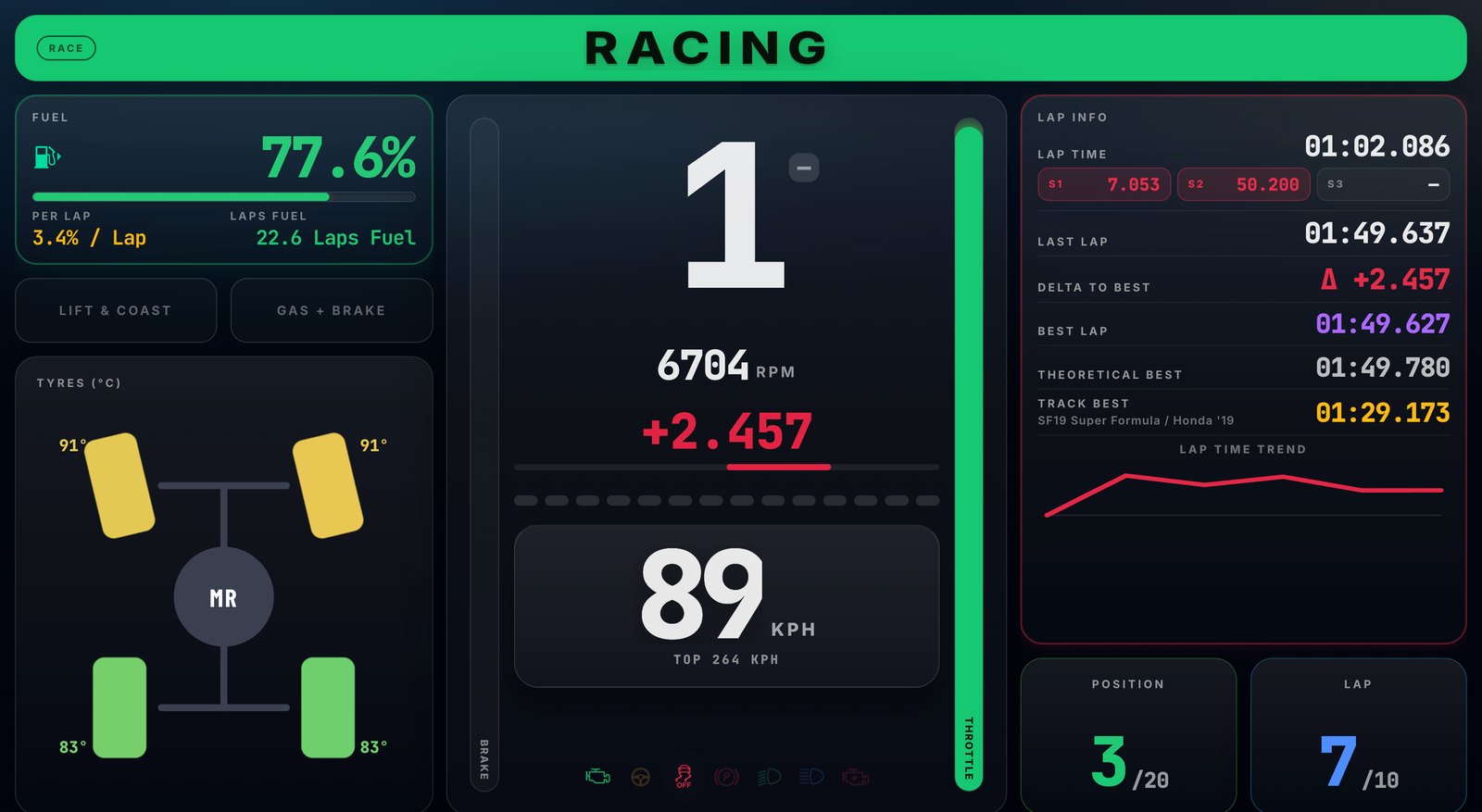
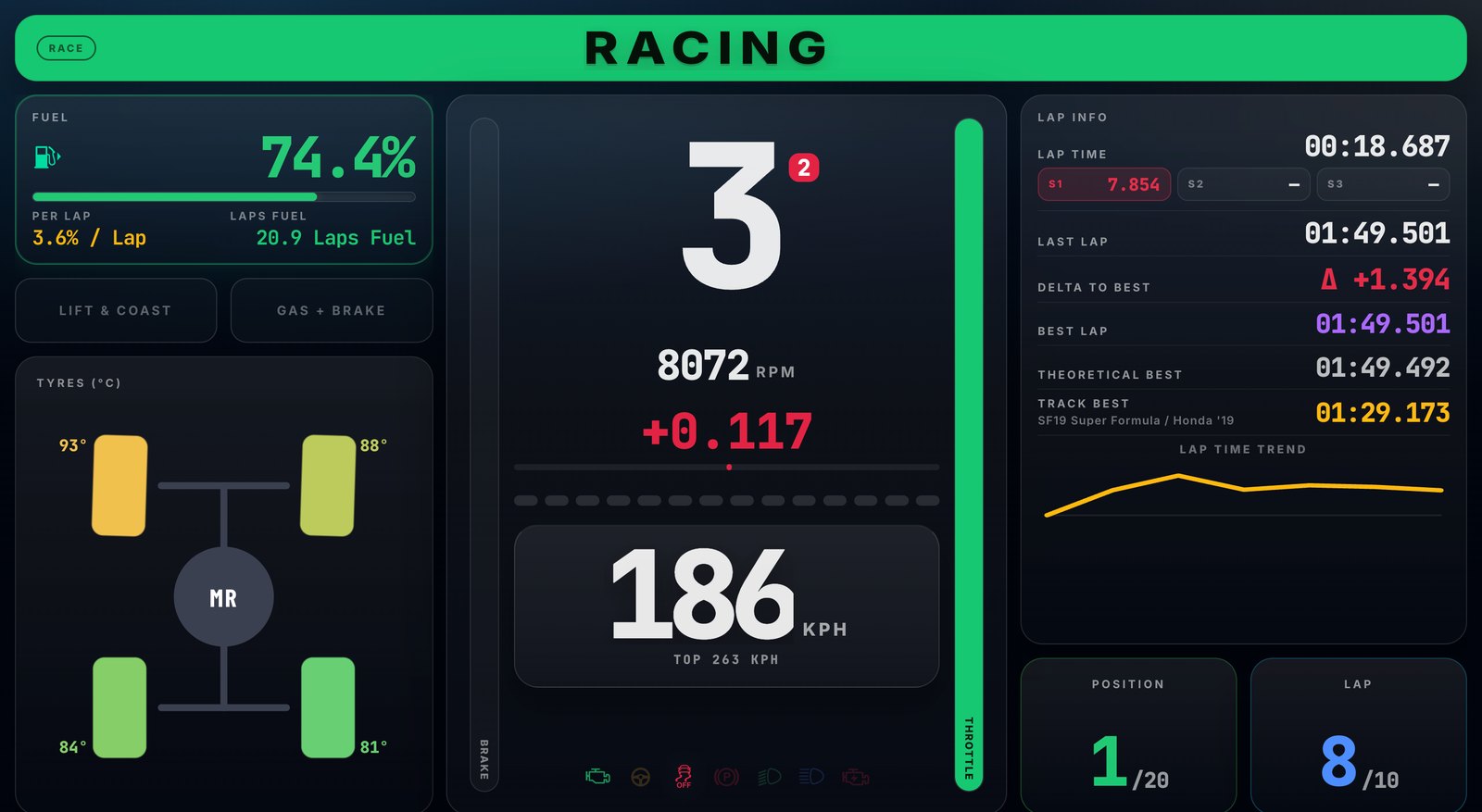
Where the race comes alive. Real-time speed, gear, RPM, fuel burn, tyre temps. The lap-time trend lets you see the shape of your race at a glance. Open it on your phone, your iPad, or a second monitor — wherever you want to look.
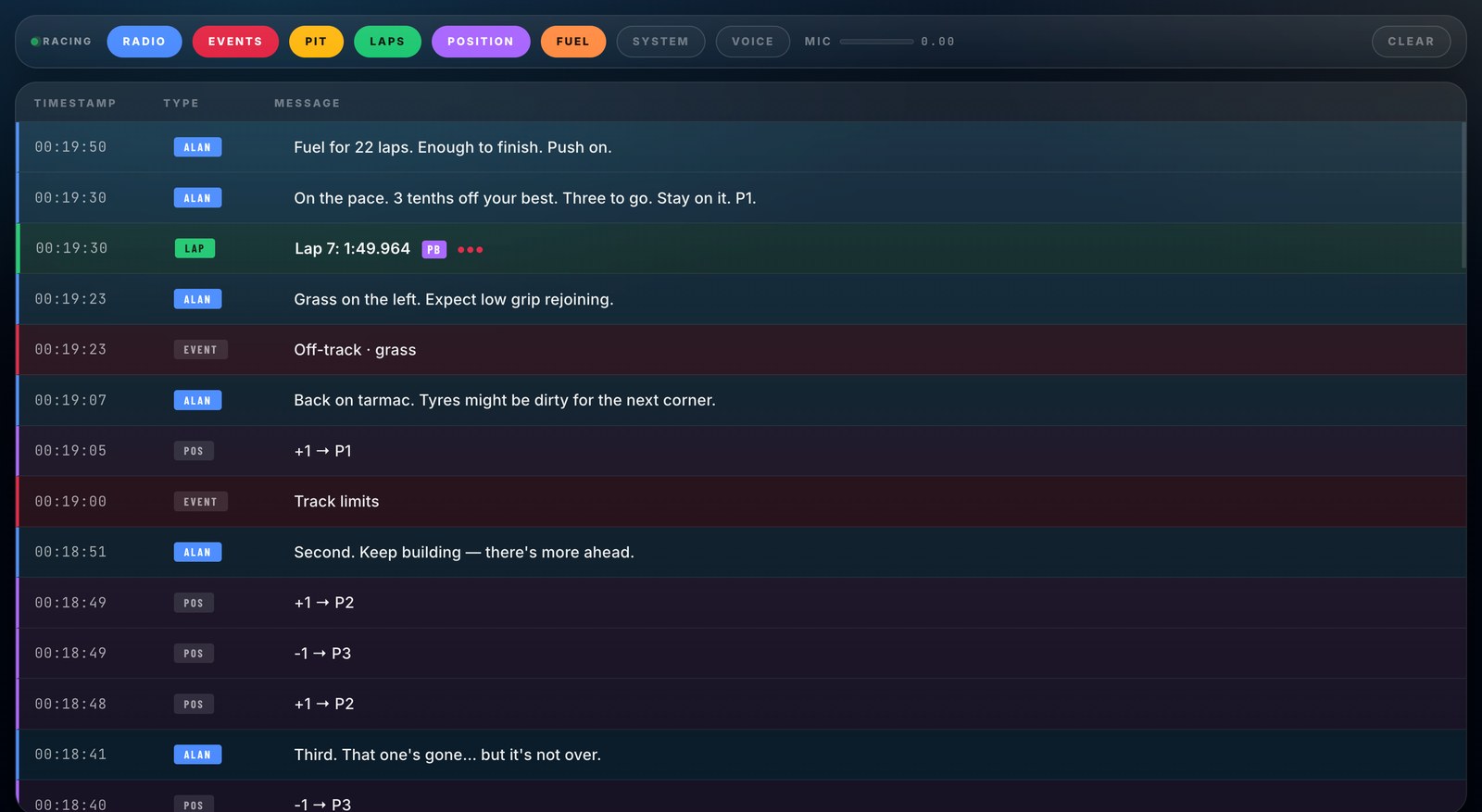
Every Alan call, captured. Timestamps, category tags (FUEL, LAP, OFFTRACK, REJOIN, POS, EVENT), the exact phrasing of every message. Filter by category, scroll back to any moment in the race, clear it whenever. The voice keeps you in the race — the log gives you the receipts.
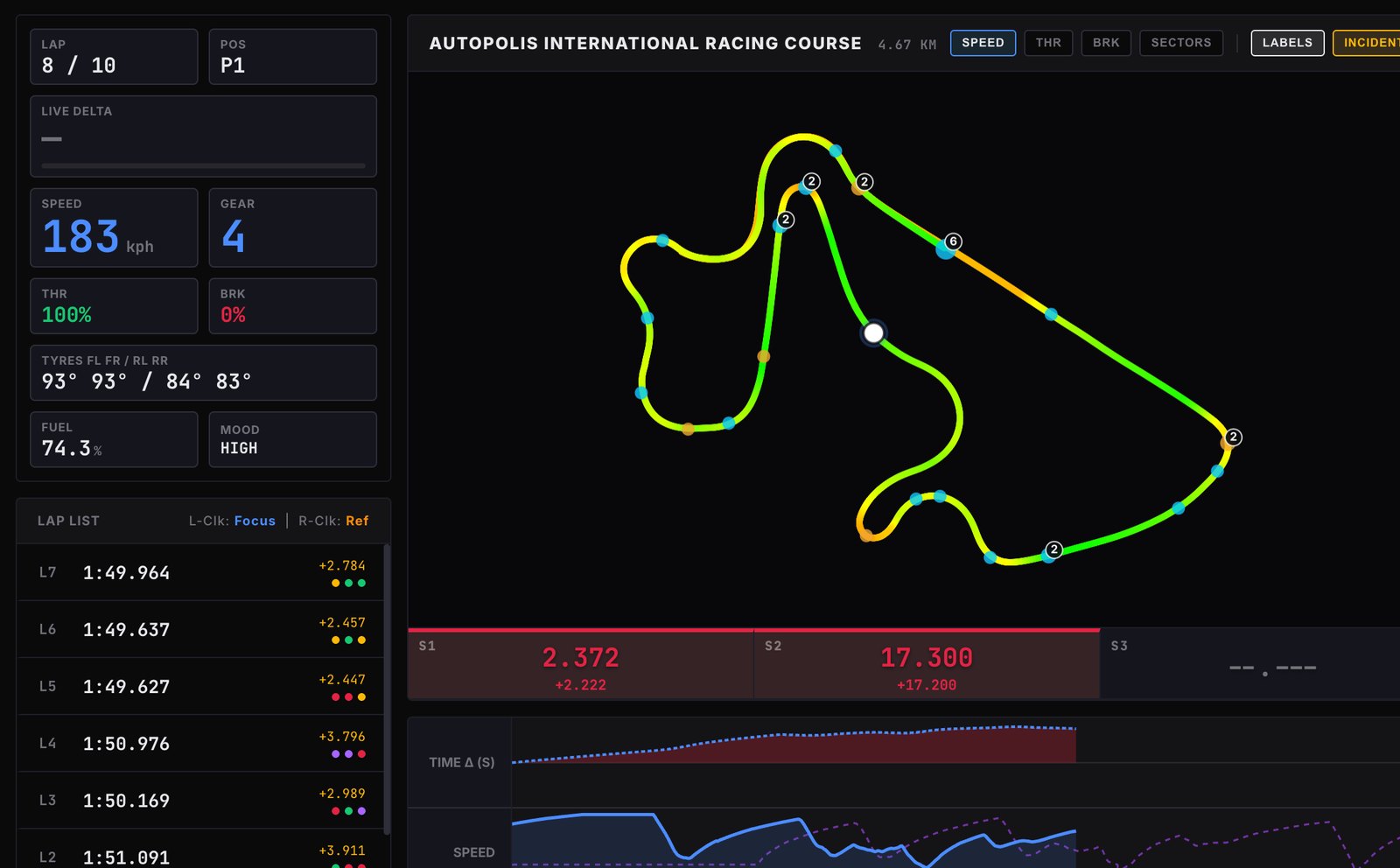
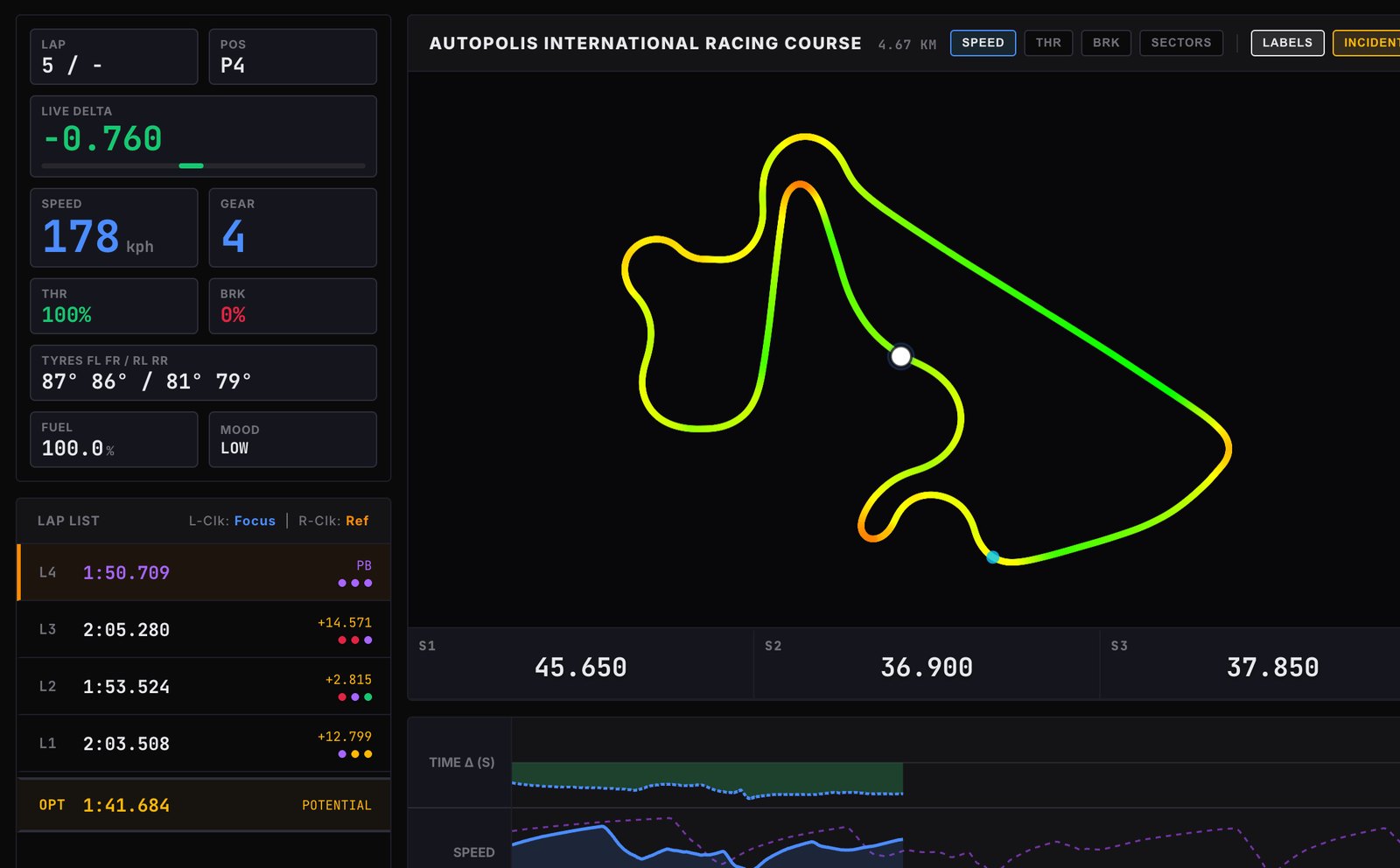
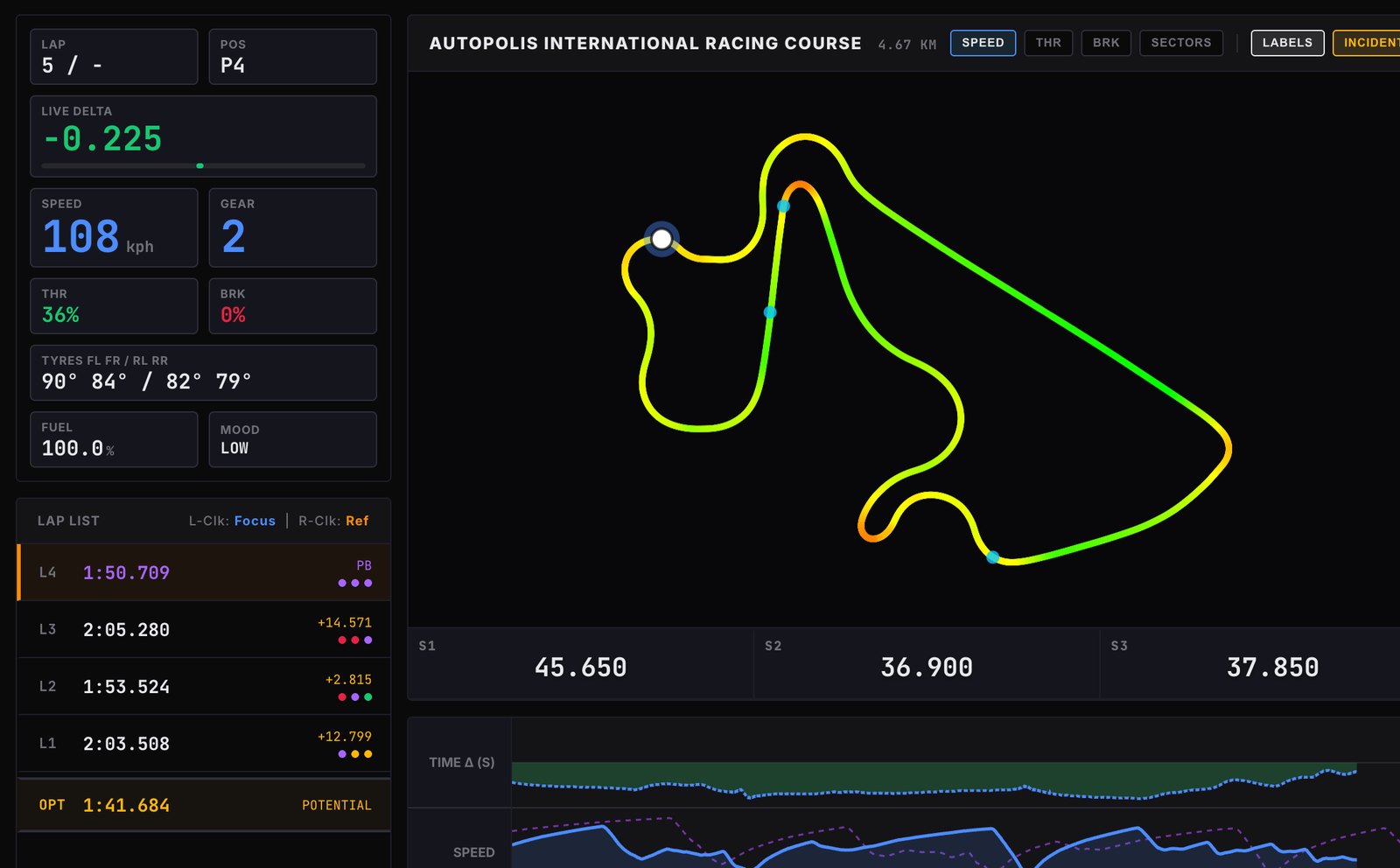
Your lap, rendered as you drive it. The track map traces your line in real time, with sector colours flashing purple, green and red as you cross the splits. The lap list shows live deltas against your reference. Telemetry graphs at the bottom: speed, throttle, brake — every input on every lap.
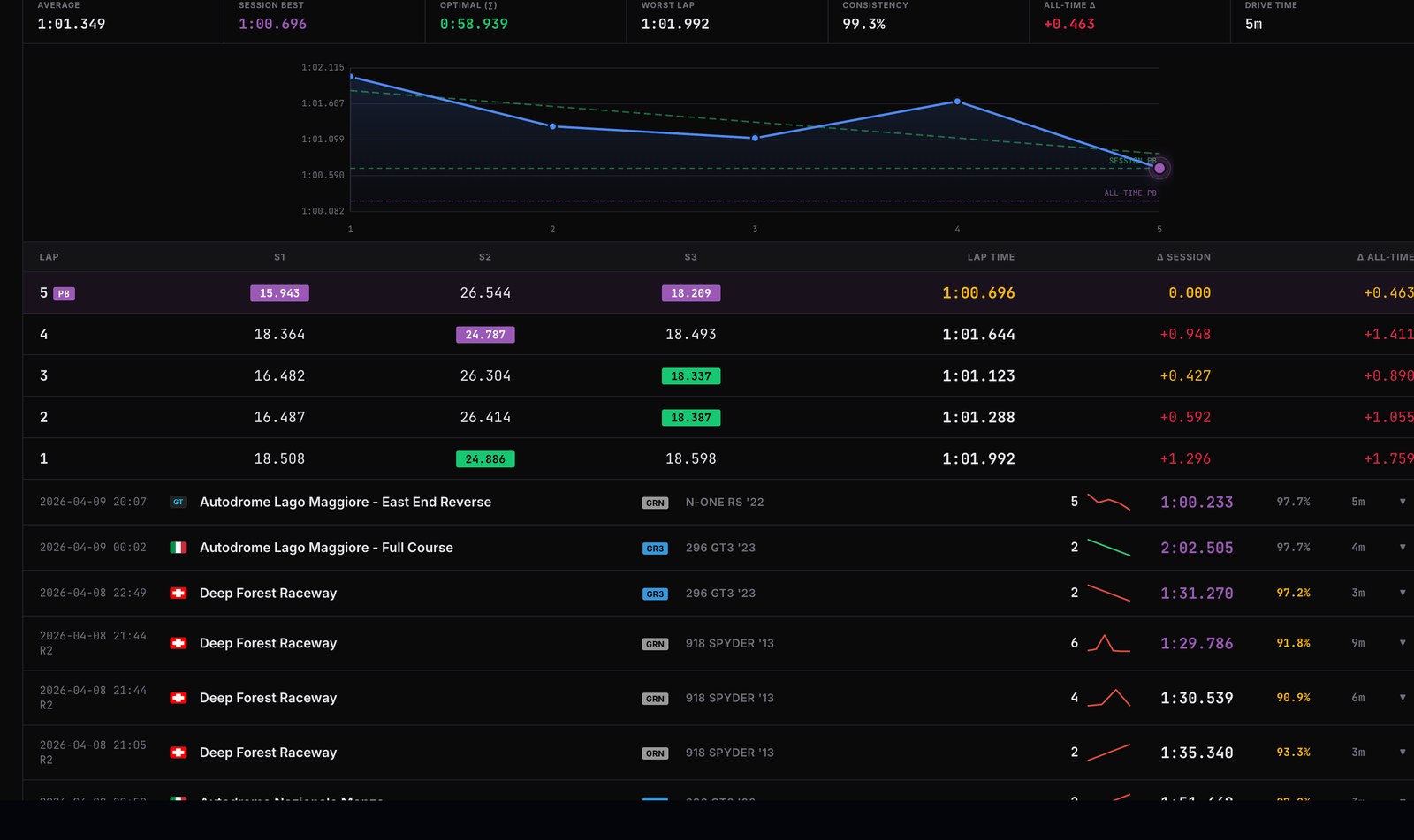
Drill into any single session. Every lap, sector by sector, with delta to your best. The session trend line shows where you found pace and where you lost it. Stack sessions next to each other to compare car-to-car, track-to-track. The data is yours, and it sticks around.
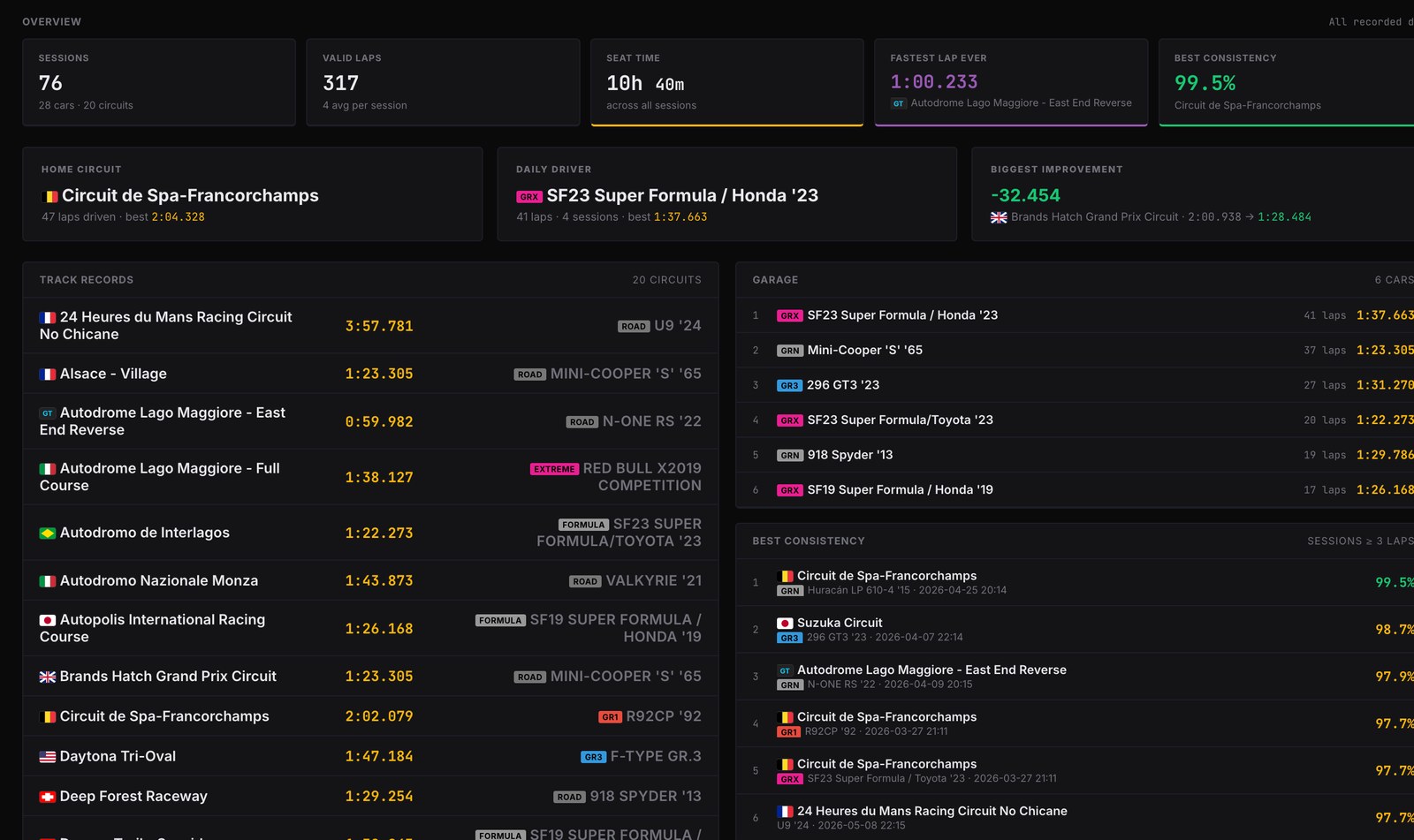
Every session you've ever driven, organised by track and by car. Track records across all your sessions. All-time fastest laps. Best consistency. The shape of your improvement over weeks and months. This is where you find out how good you actually are.
RadioCheck runs on your Mac, on the same network as your PS5. No cloud account. No latency.
Download the DMG, drag RadioCheck to your Applications folder, and open it. In settings, enter your PS5's IP address (PS5 → Settings → Network → View Connection Status). That's all the wiring there is. GT7 broadcasts at 60Hz over UDP automatically — nothing to switch on in the game.
If you don't already have it, install Discord on your Mac and create a free account. Sign into Discord on your PS5 too — both join the same voice channel. That channel is how Alan's voice reaches your headset. Setup takes about a minute.
Open GT7 and put your headset on — PSVR2, Pulse, gaming headset, or DualSense controller speaker. Alan's voice pre-warms in the background. Hit the wheel. Say "radio check" to confirm he hears you.
Why Discord? Mac speakers and mic work fine on their own. But to get Alan into your PSVR2, gaming headset, or DualSense speaker, Discord is the only reliable way to route audio between the Mac and the PS5. Until Sony opens up the platform, this is the path.
RadioCheck started because I wanted one thing: a proper F1 style engineer in my ear while racing GT7 in PSVR2. I couldn't find anything that felt right, so I built it myself, mostly as a designer pretending to be a developer, with Claude, Gemini and GPT helping me through the bits I didn't understand. It took a lot of late nights, broken builds, test laps and me saying "radio check" into a mic so many times that my 5 year old niece thought I had completely lost it. The name stuck because of her. At its core, RadioCheck is about Alan, the voice on the radio. The HUD, session logger, track maps and detection tools are there because Alan needed them to work properly. I'm putting this out for the GT7 community because I'd genuinely love people to try it, break it, enjoy it and tell me what they think. It's my first project like this, so there will be bugs, rough edges and things that change, but that's part of it. I built it solo, with a lot of love, and I want to make it good.
— Rubén
Race with me on PS5 — PSN: GoldsmitH2097
The questions people actually ask. Nothing oversold.
Mac (Apple Silicon or Intel, macOS 12+) for the app. PS5 for the game. PSVR2 is what Alan was built for, but he works just as well on a TV with a wheel or controller. Windows is on the roadmap.
No, but it's highly recommended. You can use your Mac's speakers and mic to hear and talk to Alan if you want. But if you want RadioCheck coming through your PSVR2 headphones, your gaming headset, or even your PS5 controller speaker, you'll need to set up Discord as your comms channel on the PS5. Takes about a minute. If Sony ever opens up the platform, Discord goes away.
Free during beta. The plan after beta is a low-priced paid app, just enough to cover what I've sunk into this thing: the hundreds of test laps, the months of sleepless nights, and the patience of my family while I drove them crazy saying "radio check" into a mic. Beta testers keep free access permanently. That's the deal for helping me get it right.
Lap times, deltas, fuel: rock solid. Contact detection: around 90% on real impacts, with occasional false positives on aggressive kerb use. The voice line catalogue is constantly being tuned. This is a beta, and your feedback is how it gets better.
No. GT7's UDP telemetry doesn't broadcast opponent gap data or live tyre degradation. That information simply isn't in the stream. Alan works with what GT7 does send: your position, speed, lap times, fuel, throttle, brake, wheel data, surface, and incident signals. He's good at those.
Nothing. Everything runs locally on your Mac: the voice (Piper TTS), the speech recognition for two-way comms (local Whisper), the telemetry processing, incident detection, and lap analysis. No API keys required, no cloud calls, no data leaves your machine.
Right now, Alan only speaks English. I want to add more languages down the line, and eventually other tones and personalities too. Alan stays the voice though: if there's a Spanish version, it's still Alan, just in Spanish.
Free during beta. Mac only for now. The first build drops soon — drop your email and you'll be the first to know.
Found a bug? Got an idea? Email me or jump in the Discord (where the two-way comms setup happens, and the community hangs out).